Documents
Civic Roundtable lets you create, edit, and collaborate on documents directly within the platform — no external tools required. Draft agendas, policy documents, templates, and more alongside everything else already in Roundtable.
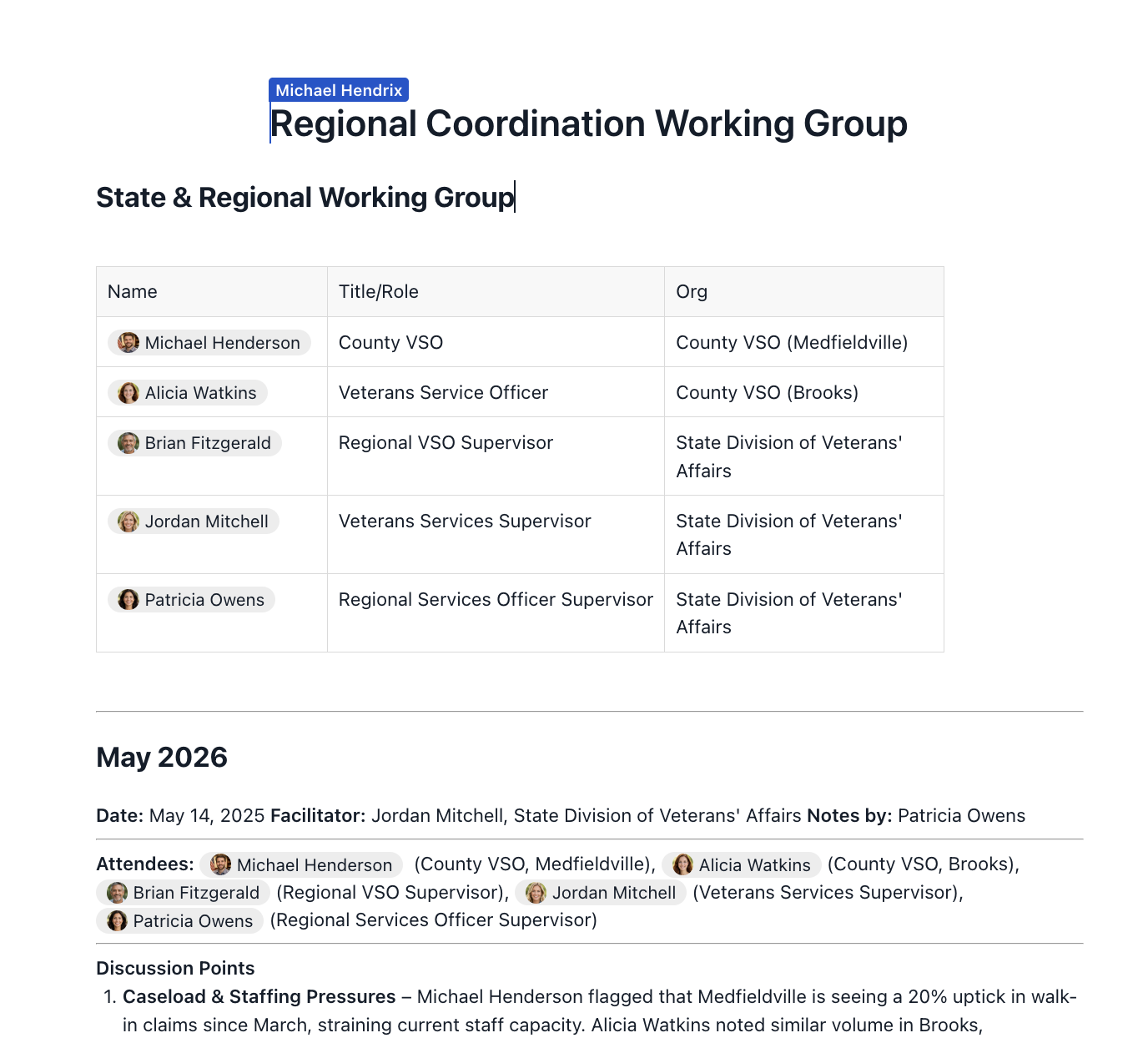
✏️ Creating a Document
- Click the Documents tab on your left sidebar.
- Click "Create new."
- Give your document a title and start writing.
✨ RT Tip: Use the toolbar to format text, add headings, checklists, links, images, and more. Changes save automatically as you work. ✨
🔒 Permissions
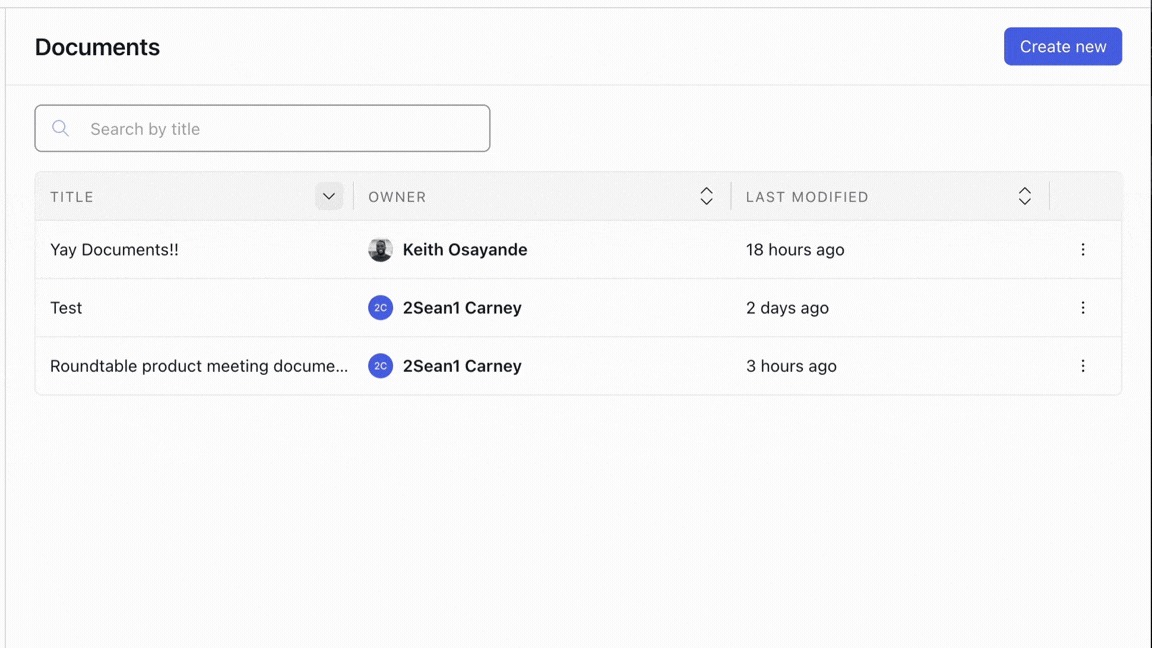
Set view or edit access at the user or space level. Permissions can be updated at any time as your team or collaborators change.
Set access at the individual or space level, and update it at any time as your collaborators change.
To share a document, click the purple Share button at the top of the document, or open the more options menu from the Documents homepage and select Share.
- Share with an individual — grant access to any person you share a space with
- Share with an entire space — grant access to all members of a space you're part of
- Notify people — when sharing, you can choose to notify the people you're sharing with
- Copy link — grab a direct link to the document from the Share button
- Transfer ownership — document owners can transfer ownership to anyone they've shared the document with
Access levels
|
|
Viewer |
Commenter |
Editor |
Owner |
| Read the document | ✅ | ✅ | ✅ | ✅ |
| Export as PDF or .docx | ✅ | ✅ | ✅ | ✅ |
| Leave and reply to comments | — | ✅ | ✅ | ✅ |
| Resolve, reopen, and delete comments | — | ✅ | ✅ | ✅ |
| Edit the document | — | — | ✅ | ✅ |
| View and restore version history | — | — | ✅ | ✅ |
| Share the document with others | — | — | — | ✅ |
| Transfer ownership | — | — | — | ✅ |
| ✨ RT Tip: Commenter is the level most cross-organization review actually needs. It lets partners leave substantive feedback in context without anyone worrying that a stray keystroke changed the text of a draft. |
🤝 Collaborating with Others
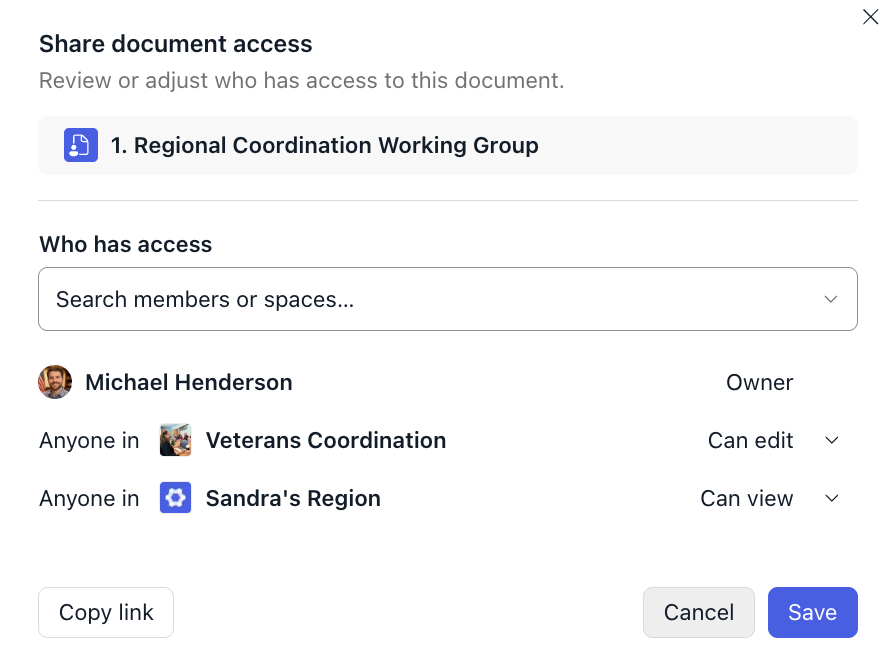
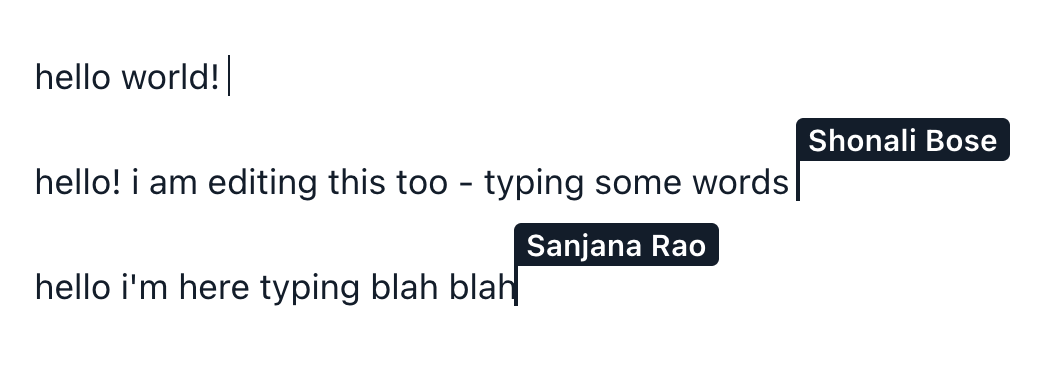
Once you've shared a document with your peers, you can start live editing. Multiple people can edit at the same time — you'll see their changes in real time, and all edits are saved immediately.
🗣️ Mentions
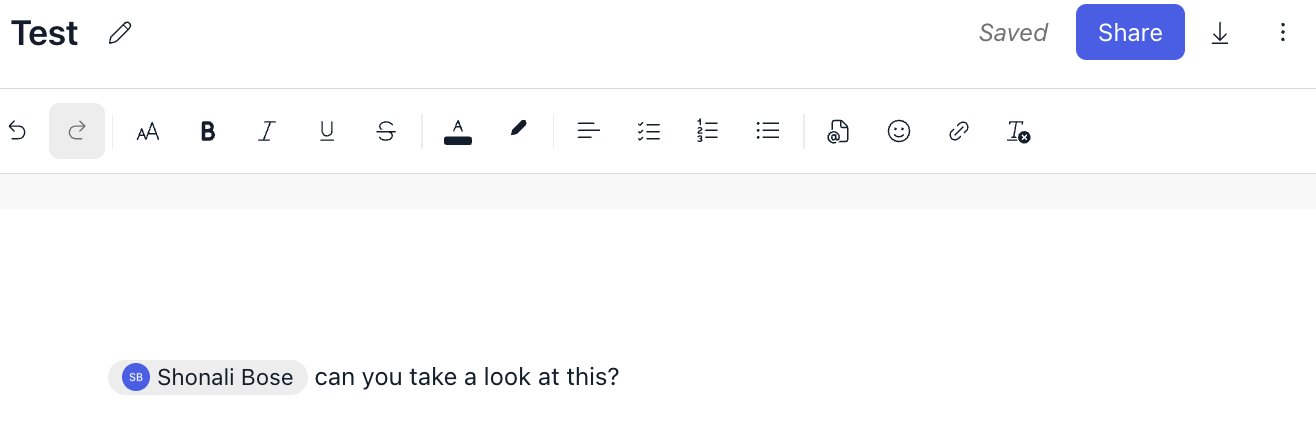
You can @mention Roundtable members or other content from within a document.
💬 Comments
Users with commenting and editing permissions can leave comments on a document.
Comments let collaborators give feedback in context, without editing the text itself. Anyone with Commenter, Editor, or Owner access can comment.
To leave a comment:
- Highlight the section of text you want to comment on.
- Click Add Comment in the top toolbar.
- Write your comment and post it.
What comments support:
- Rich text — format your comment the way you'd format anything else in Roundtable
- @ mentions — pull a specific person into the thread, and they'll be notified
- Real-time updates — comments appear for everyone as they're posted
- Permalinks — link directly to a specific comment thread
- Resolve, reopen, and delete — close out a thread once it's handled, and reopen it if it turns out it wasn't
Comments trigger both email and in-app notifications, so collaborators don't have to keep the document open to know something needs their attention.
| ✨ RT Tip: Resolve threads as you go rather than at the end. A document with forty open comments is one nobody wants to open; a document with two is one people will actually finish reviewing. |
🔓 Managing Sharing
The Documents homepage includes a Shared with column showing who has access to each document at a glance — no need to open each one to check.
- Hover the space section to see which spaces a document is shared with.
- Hover the member section to see which individuals it's shared with.
Sharing information also appears in document search results and in document popovers, so you can see access without leaving what you're doing.
| ✨ RT Tip: The Shared with column is the fastest way to audit a document library before a partner leaves a project. Scan the column, spot anything shared more broadly than it should be, and fix it from the same screen. |


🔍 Finding and Referencing Documents
Use the search bar to find any document by title or content.

@mention a document in a post, event, or discussion to link it to relevant context.
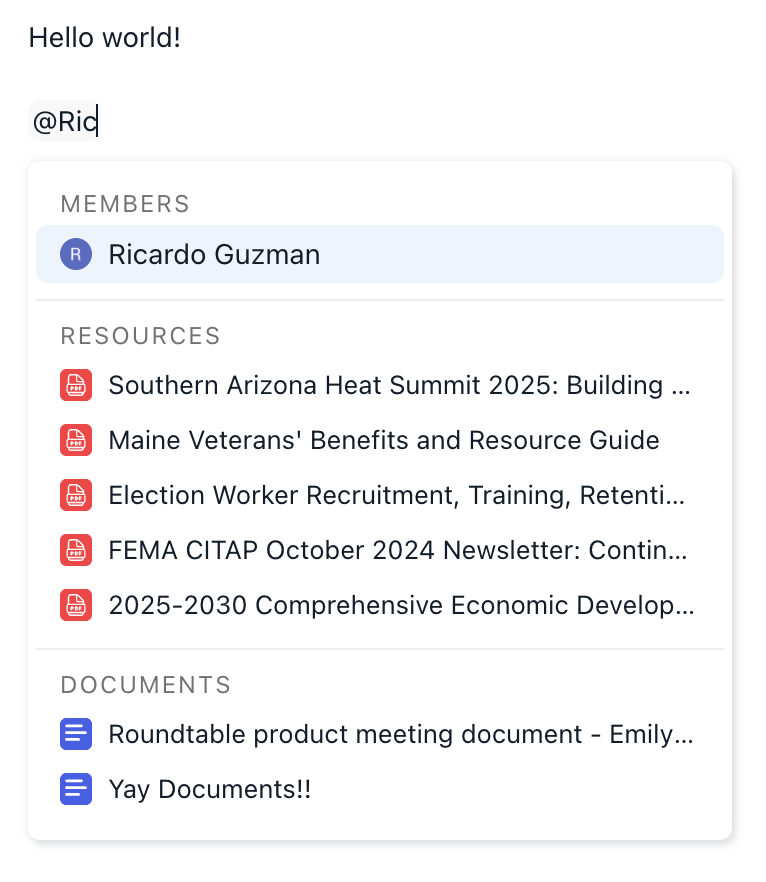
✨ RT Tip: If you are unable to see your document in @mentions, make sure it is shared with the space. ✨
📤 Exporting a Document
When you're ready to share outside of Roundtable, you can export a document as a PDF or .docx file.

🕘 Version history
Roundtable documents keep a running history of your work, so you can see how a draft got where it is and undo a change you didn't want.
- Automatic snapshots are saved as you and your collaborators work
- A version sidebar lists each version with its timestamp and author, and marks the current one
- Read-only previews let you open any earlier version without affecting the live document
- Restore returns the document to any previous version
Version history is available to Editors and Owners. Commenters and Viewers don't see it.
| ✨ RT Tip: This matters most for exactly the work documents were built for — several partners editing the same memo or set of minutes. Version history makes it clear who contributed what, and removes the risk that a well-meaning edit quietly overwrites someone else's. |
📥 Importing a Word document
You can create a Roundtable document by importing a Microsoft Word file. Bring an existing memo, policy draft, or set of minutes straight in, and it immediately gains cross-organization access, real-time collaboration, and @ mention connections to the rest of your space.
🏷️ Tags, tables, and duplication
- Tags — organize documents with tags, which display on the document itself
- Tables — documents support tables
- Duplicate — copy a document to use it as a template
📅 Meeting notes on events
You can link a document to an event, so the record of what was discussed lives with the meeting. Create a new document from the event, or link an existing one. When you create a meeting note document this way, the event's space is automatically granted view access, so attendees can read it without asking. The linked event appears on the document, and the note appears alongside the event in popovers, on the event page, and in the event list.