Resetting Your Password
Locked out? Here's how to get back into Roundtable, and what to do if the reset email doesn't arrive.
🔑 If you've forgotten your password
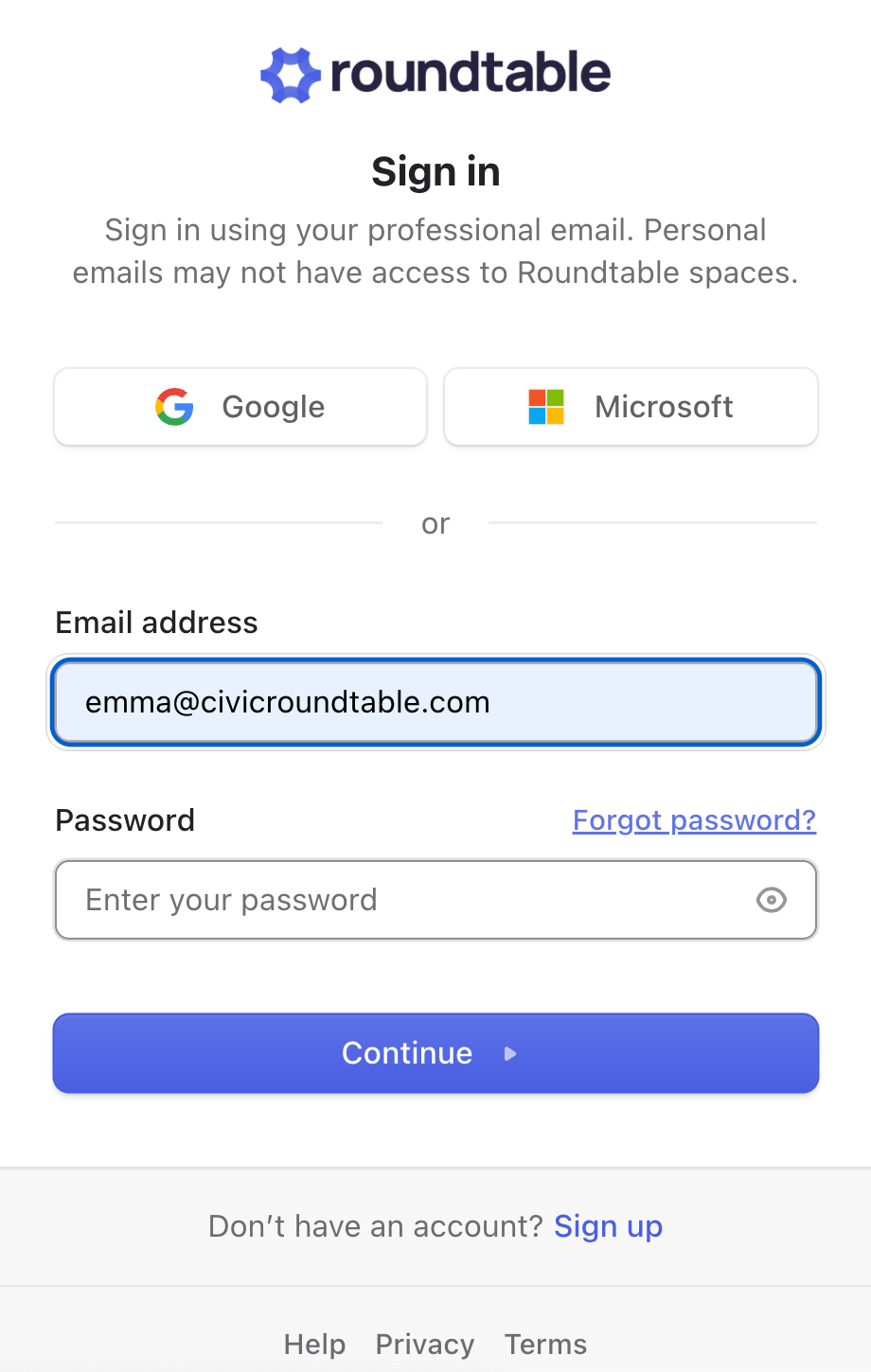
- Go to app.civicroundtable.com.
- Enter your email address.
- Click Forgot password?
- Click the blue Reset password button.
- Check your inbox for a reset code and follow the prompts to set a new password.
| ✨ RT Tip: Roundtable emails come from notifications@civicroundtable.com. If your agency filters external mail aggressively, ask IT to allow that address. |
📭 If the reset email doesn't arrive
Work through these in order:
- Check spam and junk. This is the answer most of the time, particularly on government mail systems.
- Use "Didn't receive a code?" on the reset screen to send a new one.
- Confirm you're using the right address. If you've changed jobs or email addresses, you may be trying an address that's no longer on your account. See Manage your Roundtable account for updating your email.
- Still nothing? Email support@civicroundtable.com and we'll sort it out.
🔐 If you're already signed in
You don't need the reset flow to change your password:
- Click the Profile Picture in the top-right of the navigation bar.
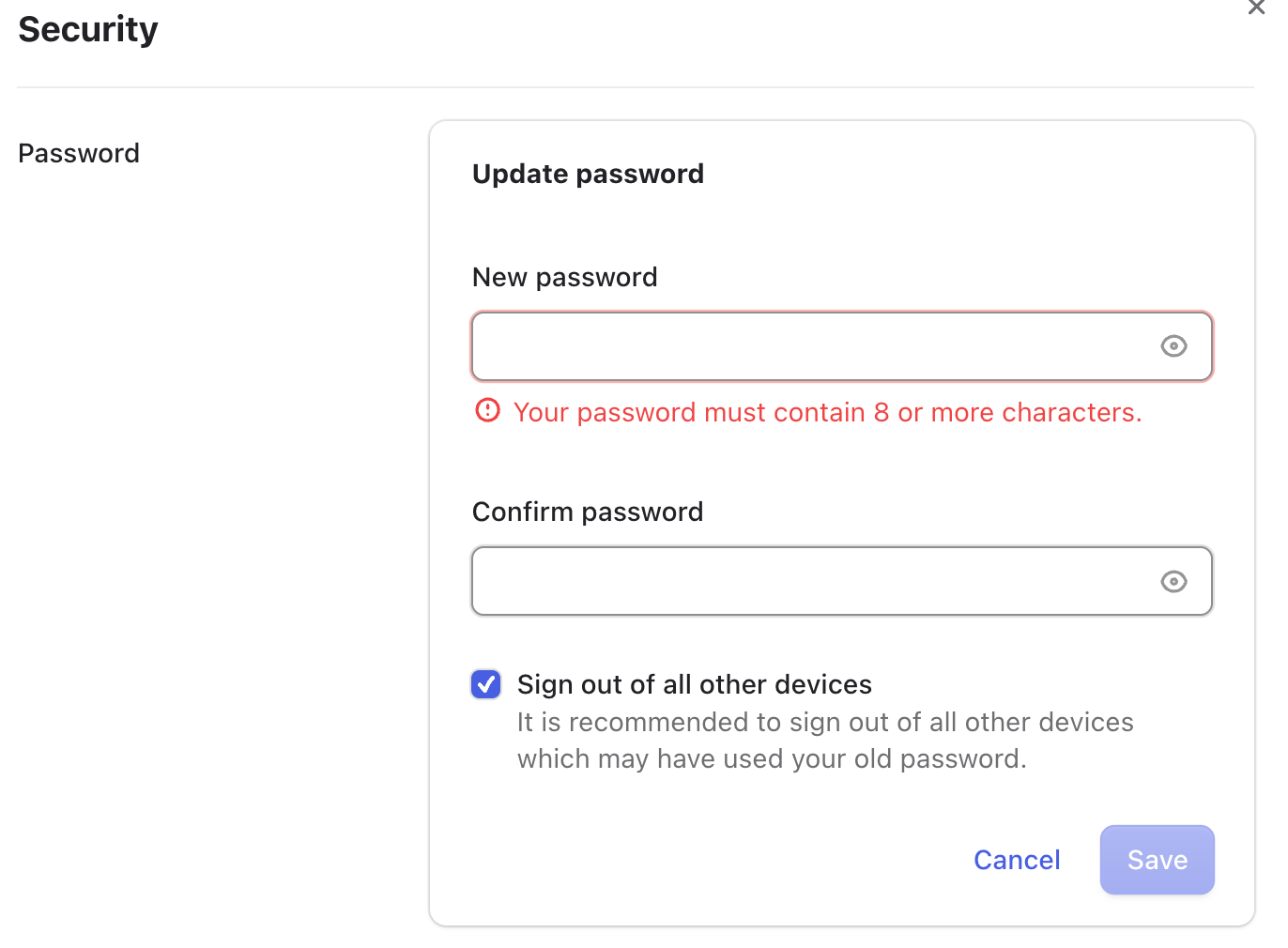
- Click Security.
- Select “Update Password”
- Enter your new password and save.
| ✨ RT Tip: Sensitive account actions require re-verification, so you may be asked to confirm your identity before the change goes through. |
📲 If you're locked out of two-factor authentication
A password reset won't help if the problem is your 2FA device. Instead:
- Email support@civicroundtable.com and ask us to clear your current two-factor settings.
- Once we confirm it's been cleared, sign in with your email and password.
- Go to Manage account → Security and set up two-factor authentication again with your authenticator app or phone number.
| ✨ RT Tip: When you set up 2FA, save your recovery codes somewhere that isn't the phone you're using for 2FA. Each code works once and will get you back in without emailing us. |
🏢 If your organization uses single sign-on
If your organization has SSO enabled for your email domain, you don't have a Roundtable password — you sign in through your organization's identity provider. Password resets are handled by your own IT team, not by Roundtable. See Single Sign-On (SSO) for details.
🔒 If your account is locked
Too many failed sign-in attempts, or a verification issue, can lock an account. Email support@civicroundtable.com and we'll unlock it.